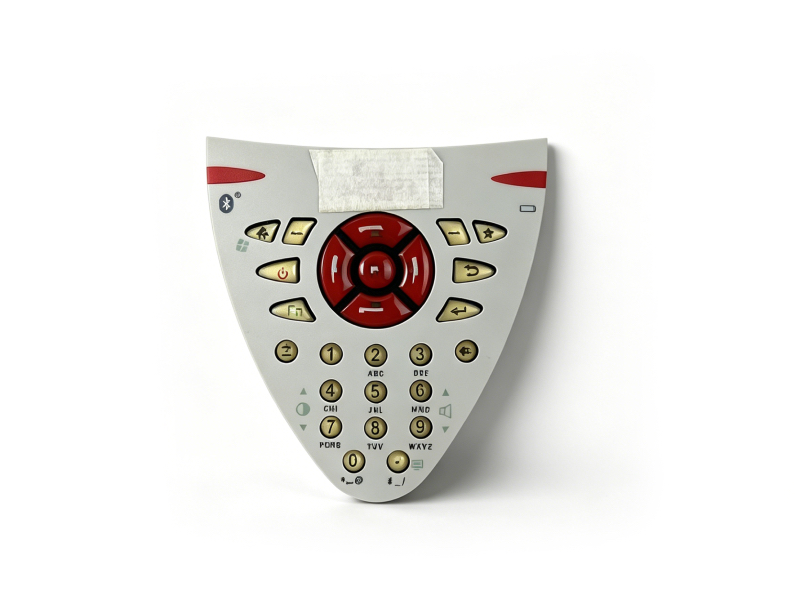
Leica CS10 Handheld Silicone Keypad – Sensitive Conductive Replacement for Geophysical Survey
Product Overview
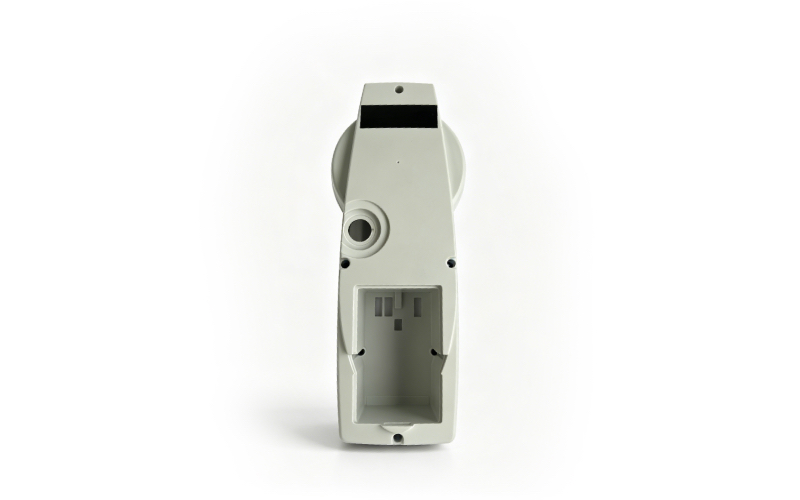
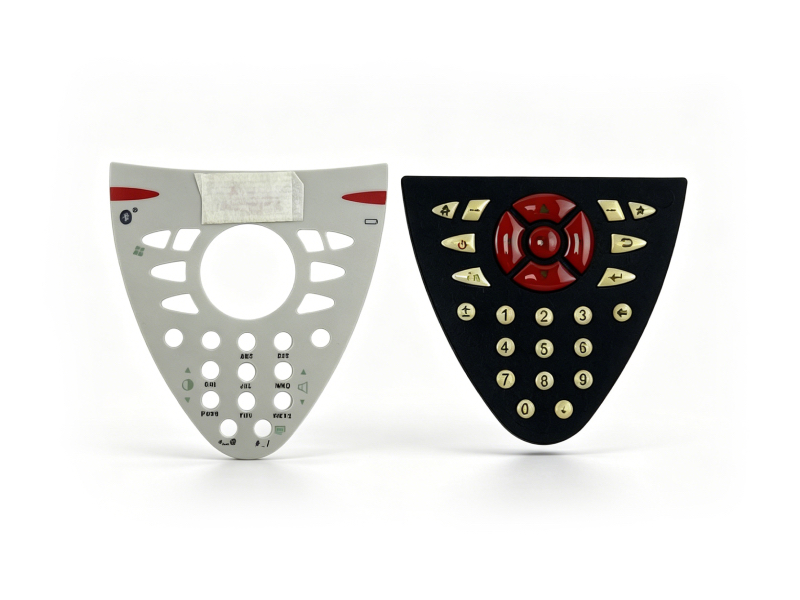
The Leica CS10 Handheld Silicone Keypad is a professional original replacement part designed for Leica CS10 handheld data collectors, widely used in geophysical exploration, engineering measurement and topographic mapping. Made of high-quality conductive silicone, it features sensitive conduction, non-slip and wear-resistant performance, ensuring smooth and precise operation of the handheld device, which is crucial for improving work efficiency in field operations.
 |
|
Product Specifications
- Brand: Leica
- Compatible Models: Leica CS10 handheld data collector (all variants)
- Material: High-quality conductive silicone (soft, wear-resistant, aging-resistant, good conductivity)
- Function: Sensitive conductive response, non-slip grip, protects internal circuit, ensures smooth key operation
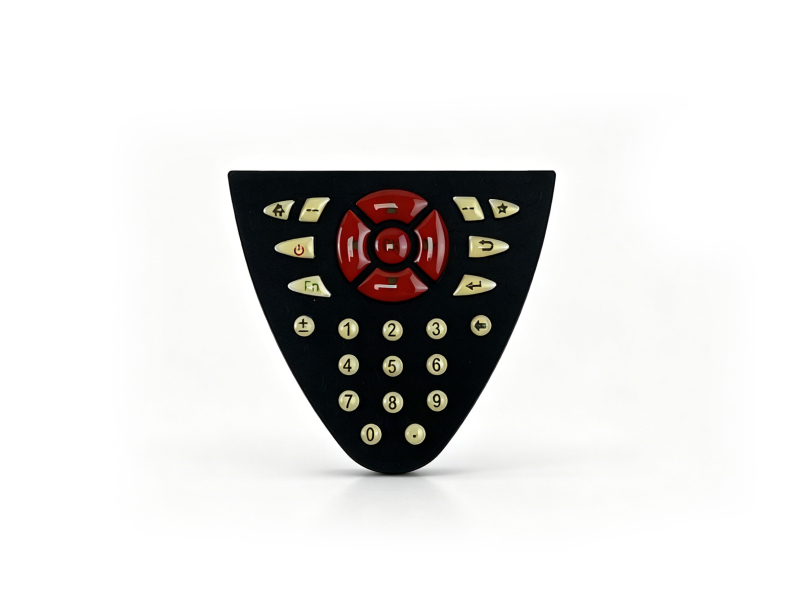
- Color: Black (matches original Leica CS10 hand簿 design, consistent with Leica accessory style)
- Dimensions: 70mm × 40mm × 3mm (approximate), matching the original key layout
- Features: Original fit, easy installation, sensitive conduction, non-slip surface, wear-resistant, dust-proof, waterproof, compatible with Leica CS10 key circuit
- Condition: Used (original Leica part, fully functional, minor cosmetic wear, no impact on conductive performance)
- Application: Geophysical survey, engineering measurement, topographic mapping, mining survey, construction surveying, handheld data collector maintenance
 |
Brief Installation Instructions
- Preparation: Turn off the Leica CS10 handheld data collector and place it on a stable, clean surface. Prepare a small flat tool (e.g., plastic pry tool) to avoid damaging the device.
- Remove Old Keypad: Use the plastic pry tool to gently pry up the edge of the old silicone keypad from one corner, slowly peeling it off the device (do not use sharp tools to avoid scratching the circuit board).
- Clean Installation Area: Use a dry, soft cloth to wipe the key circuit area of the handheld device, removing dust, dirt, or residual adhesive to ensure a tight fit for the new keypad.
- Install New Keypad: Align the new Leica CS10 Silicone Keypad with the key circuit and key holes, press it firmly from the center to the edges to ensure it fits tightly without looseness. Ensure each key aligns with the corresponding circuit contact.
- Verification: Turn on the handheld device, test each key to confirm sensitive response and normal operation, ensuring no stuck or unresponsive keys.