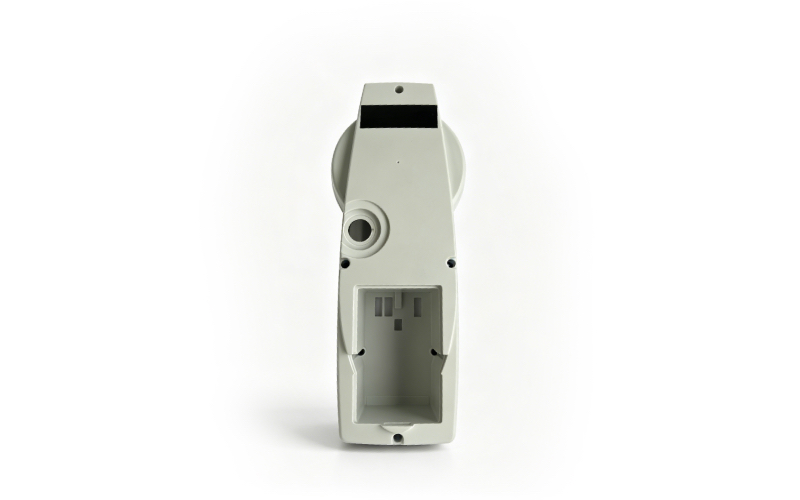
Leica TPS1200 Series & TS15 Battery Side Cover – High-Precision Replacement for Geophysical Survey
Product Overview
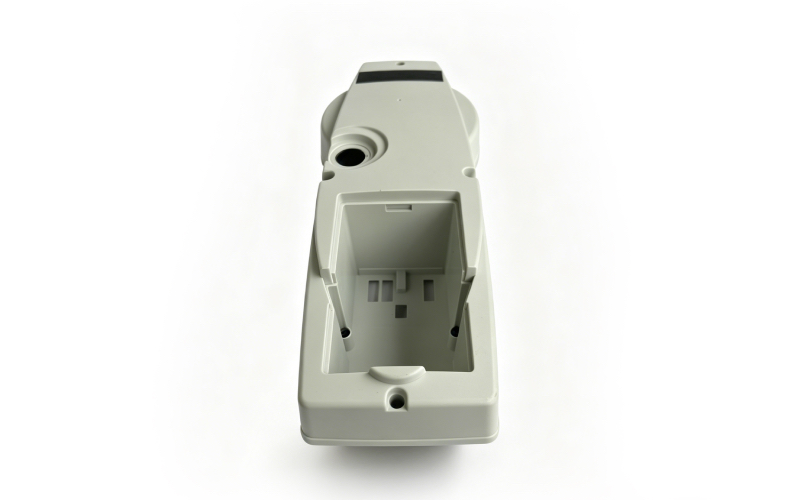
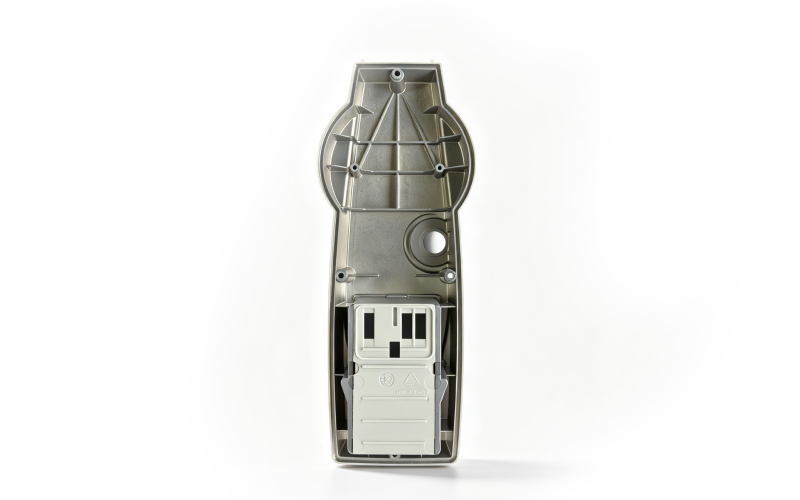
The Leica TPS1200 Series & TS15 Battery Side Cover is a professional original replacement part designed for Leica TPS1200 series total stations and TS15 models, widely used in geophysical exploration, engineering measurement and topographic mapping. This cover features a secure snap latch and dust-proof seal, effectively protecting the battery compartment from dust, debris and moisture, ensuring stable power supply and high-precision operation of the total station in harsh outdoor field conditions.
|
Product Specifications
- Brand: Leica
- Compatible Models: Leica TPS1200 series (TPS1201, TPS1202, TPS1203), Leica TS15 total station
- Material: High-impact engineering plastic (durable, wear-resistant, corrosion-resistant)
- Function: Dust-proof, moisture-proof, protects battery compartment, secure battery fixing, ensures stable power supply
- Color: Orange (matches original Leica TPS1200/TS15 total station design)
- Dimensions: 90mm × 40mm × 12mm (approximate), perfectly matching the original equipment interface
- Features: Original fit, easy installation, secure snap latch, dust-proof seal, precise cutouts, compatible with Leica GEB221 battery and other matching batteries
- Condition: Used (original Leica part, fully functional, minor cosmetic wear, no impact on sealing and fixing performance)
- Application: Geophysical survey, engineering measurement, topographic mapping, mining survey, construction surveying, total station maintenance
 |
 |
Brief Installation Instructions
- Preparation: Turn off the Leica TPS1200/TS15 total station and place it on a stable, clean surface. Ensure the device is powered off to avoid short circuits or battery damage during installation.
- Remove Old Cover: Locate the battery side cover on the side of the total station. Press the built-in snap latch gently and pull the cover outward to remove it (refer to the device’s battery仓 opening design for proper operation)[6].
- Clean Compartment: Use a dry, soft cloth to wipe the battery compartment and the cover interface, removing dust, dirt, or debris to ensure a tight fit and good sealing performance.
- Install New Cover: Align the new Leica Battery Side Cover with the compartment interface and the snap latch. Push the cover firmly until you hear a “click,” indicating the latch is securely engaged and the cover is fixed tightly.
- Verification: Gently pull the cover to confirm it is locked in place. Insert the battery, power on the total station, and check that the battery is properly fixed and the device operates normally.