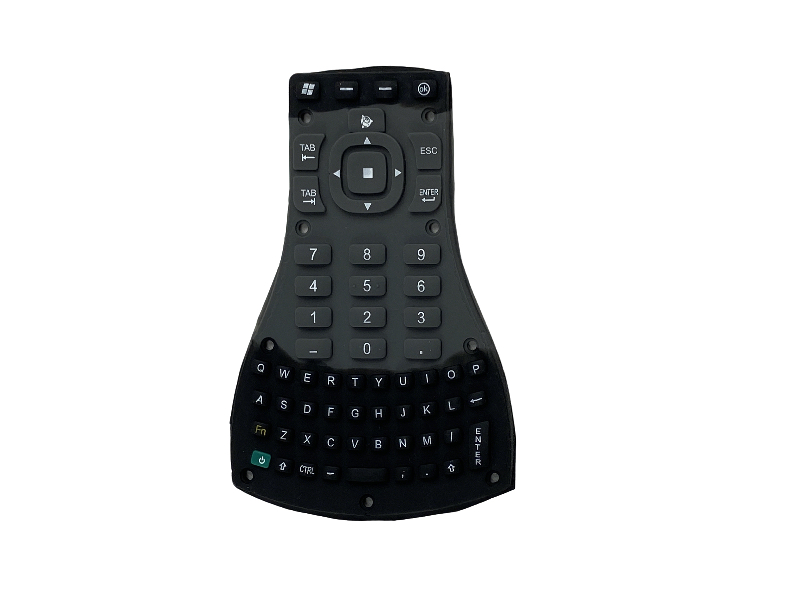
Trimble TSC3 Handheld Keypad Button – Replacement Repair Part for Survey Controller
Introduction
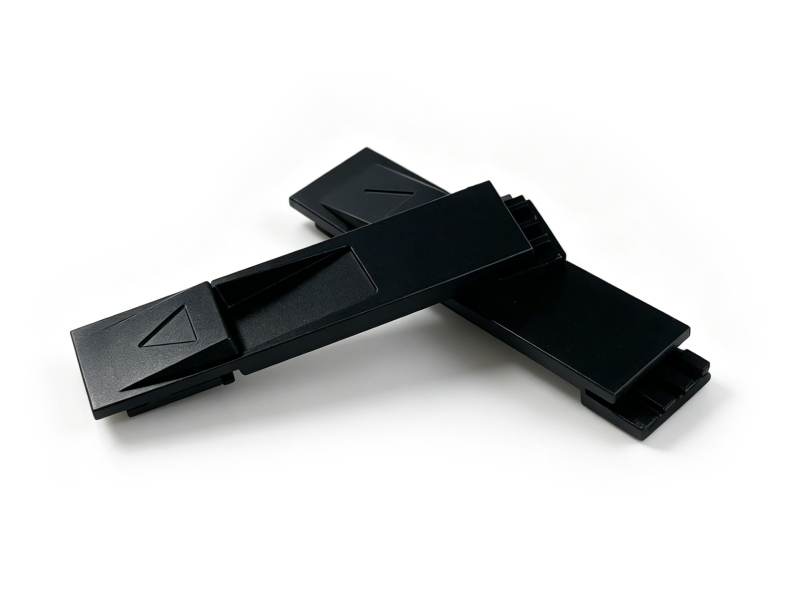
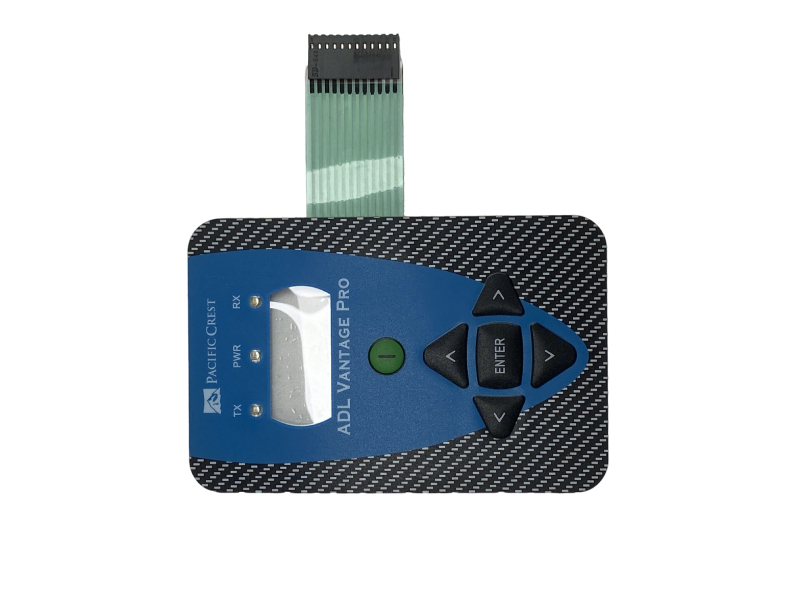
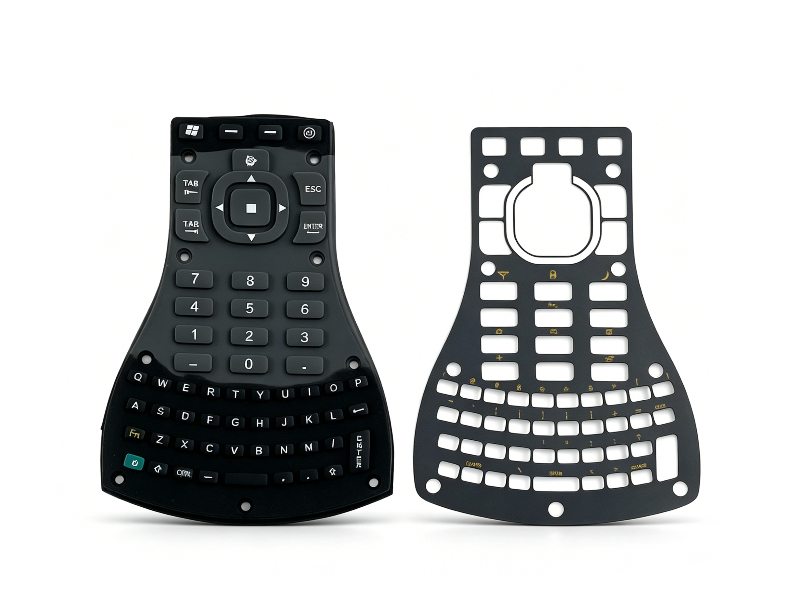
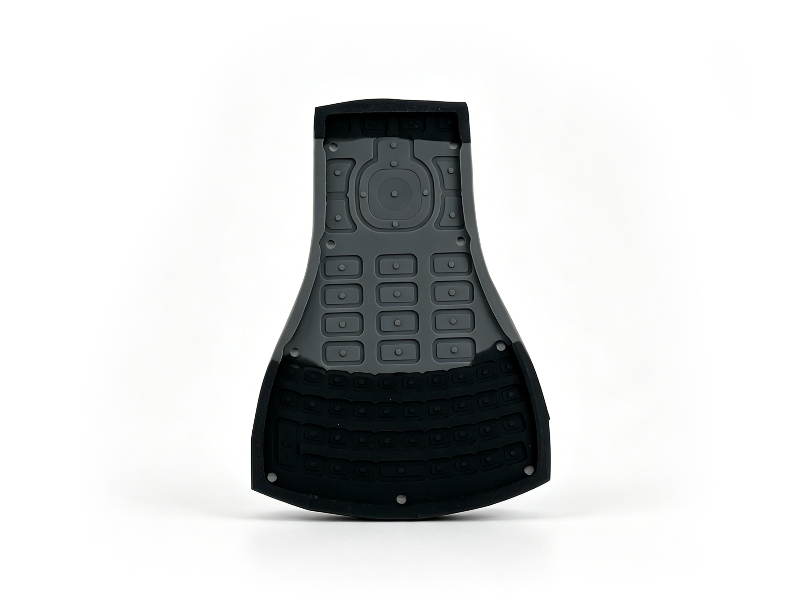
Trimble TSC3 Keypad Button is a professional replacement repair part specially designed for Trimble TSC3 field data collector and survey handheld controller. Adopting high‑elastic wear‑resistant raw material, it features sensitive pressing, comfortable rebound, anti‑aging and long service life. It is a perfect direct replacement for worn out, faded, stuck or unresponsive original buttons, helping surveyors restore normal operation of TSC3 hand-held at low cost.
 |
|
 |
Full Product Specifications
| Item | Specification |
|---|---|
| Product Name | Trimble TSC3 Handheld Keypad Button |
| Compatible Model | Trimble TSC3 Field Data Collector |
| Material | High elastic anti‑wear silicone + conductive carbon grain |
| Feature | Sensitive touch, original rebound feel, anti‑fading, anti‑aging |
| Installation | Direct replacement, no cutting or modification needed |
| Application | Land survey, construction field, GIS data collector maintenance |
| Quality | Industrial standard, same size and position as original |
Simple Installation Replacement Guide
- Power off your Trimble TSC3 handheld and disconnect the battery to cut off power supply.
- Unscrew the back shell screws of TSC3, gently separate the front and rear housing.
- Lift the original old keypad button panel carefully, do not pull the internal cable hard.
- Align the new TSC3 keypad button with the mounting position, lay it flat and press firmly.
- Reassemble the device shell and fix all screws back in place.
- Install the battery, power on the handheld and test every key for sensitivity and rebound.