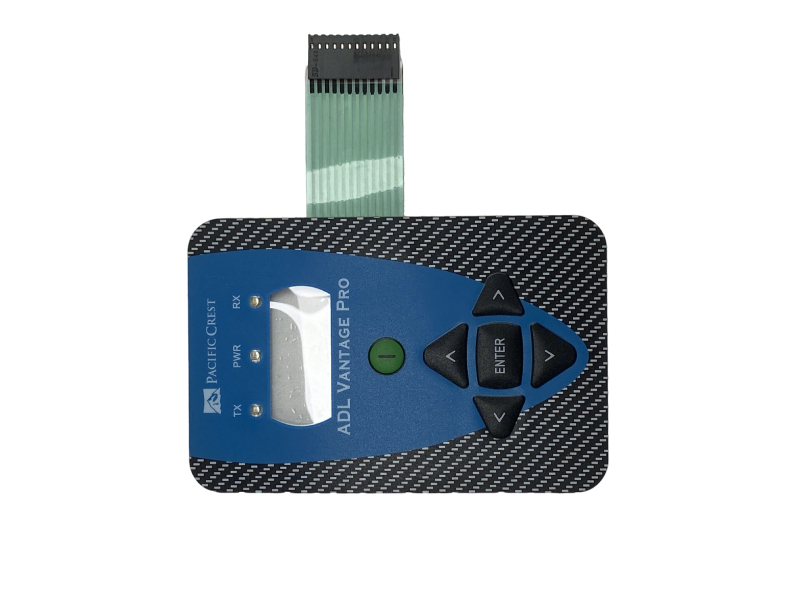
Trimble ADL Radio Keypad – Replacement Buttons for ADL Vantage & Sentry
Upgrade or repair your Trimble/Pacific Crest ADL radio with this high‑quality replacement keypad. Engineered for surveying,construction,and geomatics applications,it delivers the same rugged reliability as the original.
|
 |
 |
Key Features
- Compatibility: Trimble ADL Vantage,ADL Vantage Pro,ADL Sentry
- Frequency Bands: 390–430 MHz / 430–470 MHz
- Design: Rugged,dustproof,waterproof (IP54 equivalent)
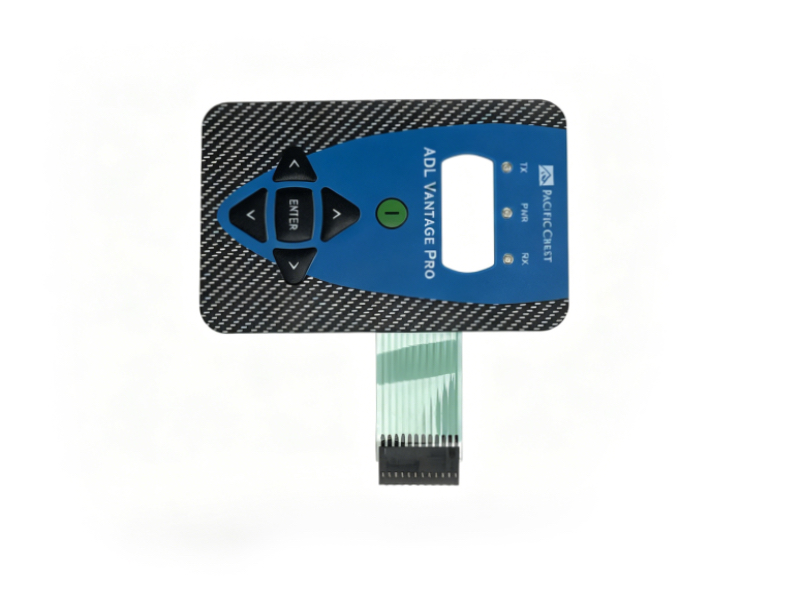
- Buttons: 5‑key navigation (Up/Down/Left/Right/Enter)
- Material: Industrial rubber + conductive contacts
- Fit: Direct OEM replacement,no cutting or wiring
- Use Case: GNSS RTK base/rover,field data link,surveying radio repair
Full Technical Specifications
| Item | Specification |
|---|---|
| Compatible Radios | Trimble ADL Vantage / Vantage Pro / Sentry |
| Frequency Range | 390–430 MHz,430–470 MHz |
| Keypad Type | 5‑button tactile navigation |
| Environmental | Dustproof,water‑resistant,‑20°C to +60°C |
| Lifespan | >10,000 presses per button |
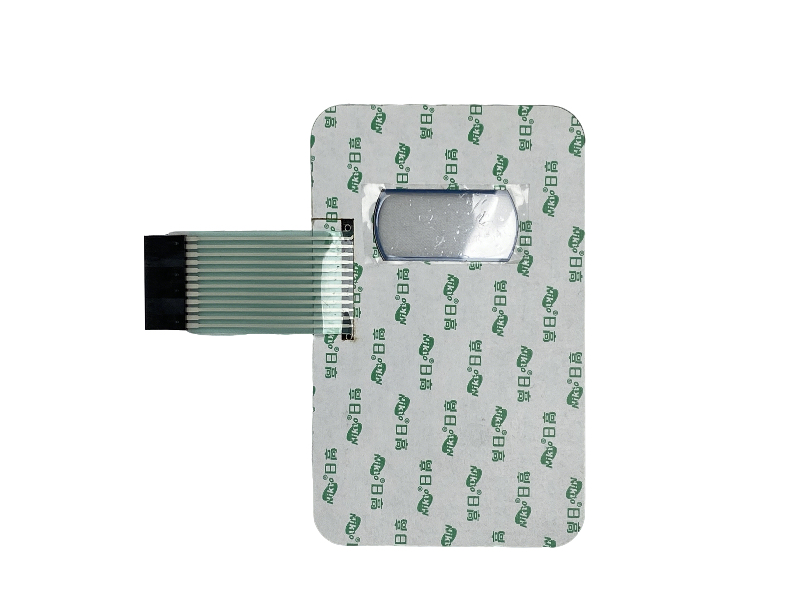
| Installation | Plug‑and‑play (ribbon cable connection) |
| Weight | ≈50 g |
| Color | Black (matches original ADL front panel) |
Simple Installation Guide
- Power Off: Turn off the ADL radio and disconnect all cables.
- Open Case: Remove 4 screws from the radio’s front panel.
- Disconnect Old Keypad: Gently unplug the ribbon cable from the PCB.
- Fit New Keypad: Align the new keypad,insert the ribbon cable firmly.
- Reassemble: Secure the front panel with screws.
- Test: Power on,verify all buttons register on the LCD.