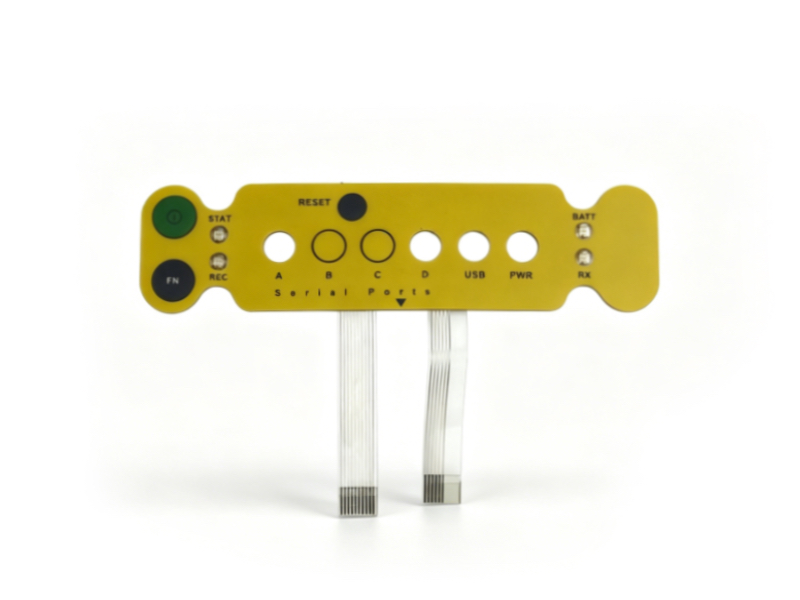
Growatt Cable 2 Maxor – High-Quality Geophysical Survey Signal Cable
Product Overview
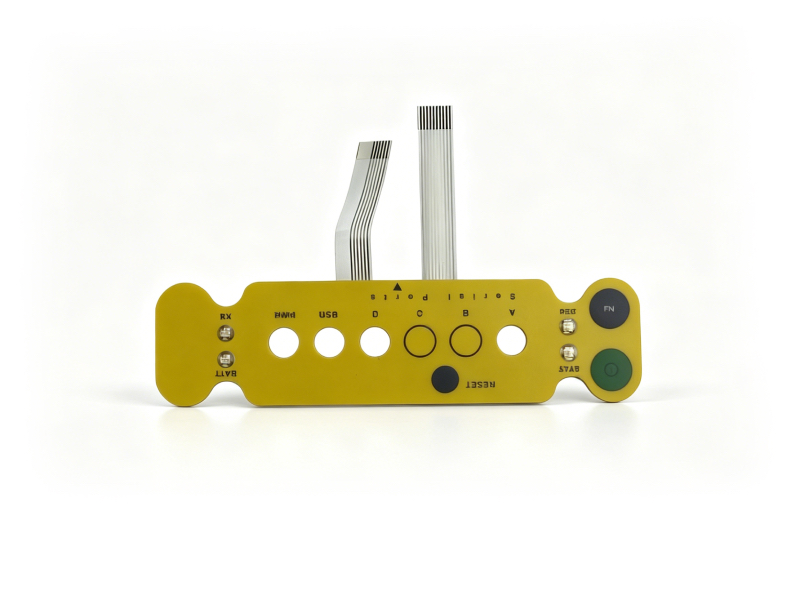
We are professional suppliers of geophysical and geophysical exploration equipment, dedicated to providing high-quality spare parts for global customers. The Growatt Cable 2 Maxor is a professional signal cable designed for geophysical exploration equipment, perfectly compatible with Maxor series instruments. It features high flexibility, strong anti-interference ability and stable signal transmission, making it an essential spare part for maintaining the normal operation of geophysical survey equipment. All our used cables are fully tested to ensure they meet industry standards and can work stably in harsh field environments.
 |
Technical Parameters
- Brand & Model: Growatt Cable 2 Maxor
- Product Type: Geophysical Survey Signal Cable
- Compatibility: Specifically designed for Maxor series geophysical exploration equipment
- Signal Precision: 0.1mm carrier phase precision, ensuring stable and accurate signal transmission
- Material: High-quality copper conductor, wear-resistant and anti-corrosion insulation layer (PA66, UL94-V0)
- Flexibility: High flexibility, easy to bend and lay in complex field environments
- Protection Level: IP65 waterproof and dustproof, adapting to harsh outdoor exploration conditions
- Working Temperature: -40℃ ~ +105℃, suitable for various climate conditions
- Length: Standard OEM length (customizable according to customer needs)
- Condition: Used/refurbished, fully tested and functional
- Application: Seismic survey, electrical imaging, borehole survey and other geophysical exploration scenarios
|
 |
Brief Instructions
1. Installation Preparation
- Power off the geophysical equipment and disconnect the power supply before installation to avoid short circuit or equipment damage.
- Check the cable for any damage (such as insulation layer breakage or conductor exposure) and ensure the connectors are clean and free of dust.
- Prepare appropriate tools (such as screwdrivers and wire strippers) to avoid damaging the cable or equipment during installation.
2. Installation Steps
- Align the cable connectors with the corresponding interfaces on the Maxor series equipment, ensuring a firm connection (do not force insertion to avoid damaging the interface).
- Secure the cable with cable ties to avoid loose connection caused by pulling or shaking during equipment operation.
- After installation, power on the equipment and test the signal transmission to ensure the cable works normally and the signal is stable.
3. Usage & Maintenance
- Avoid pulling, twisting or bending the cable excessively during use to prevent damage to the conductor or insulation layer.
- Keep the cable away from sharp objects, high temperature and corrosive substances to extend its service life.
- Regularly inspect the cable and connectors during use; if any damage or loose connection is found, stop using it immediately and replace or repair it.
- When not in use, store the cable in a dry, cool and clean environment, and avoid prolonged exposure to sunlight or humidity.