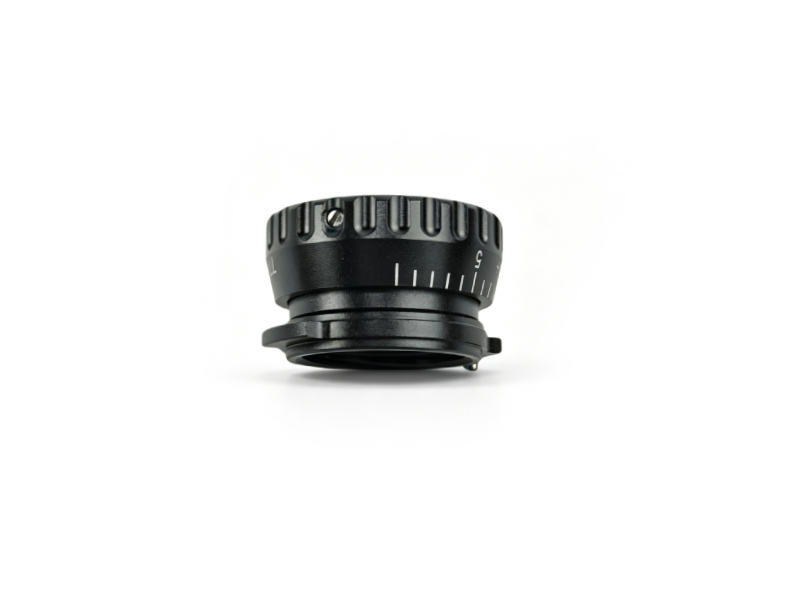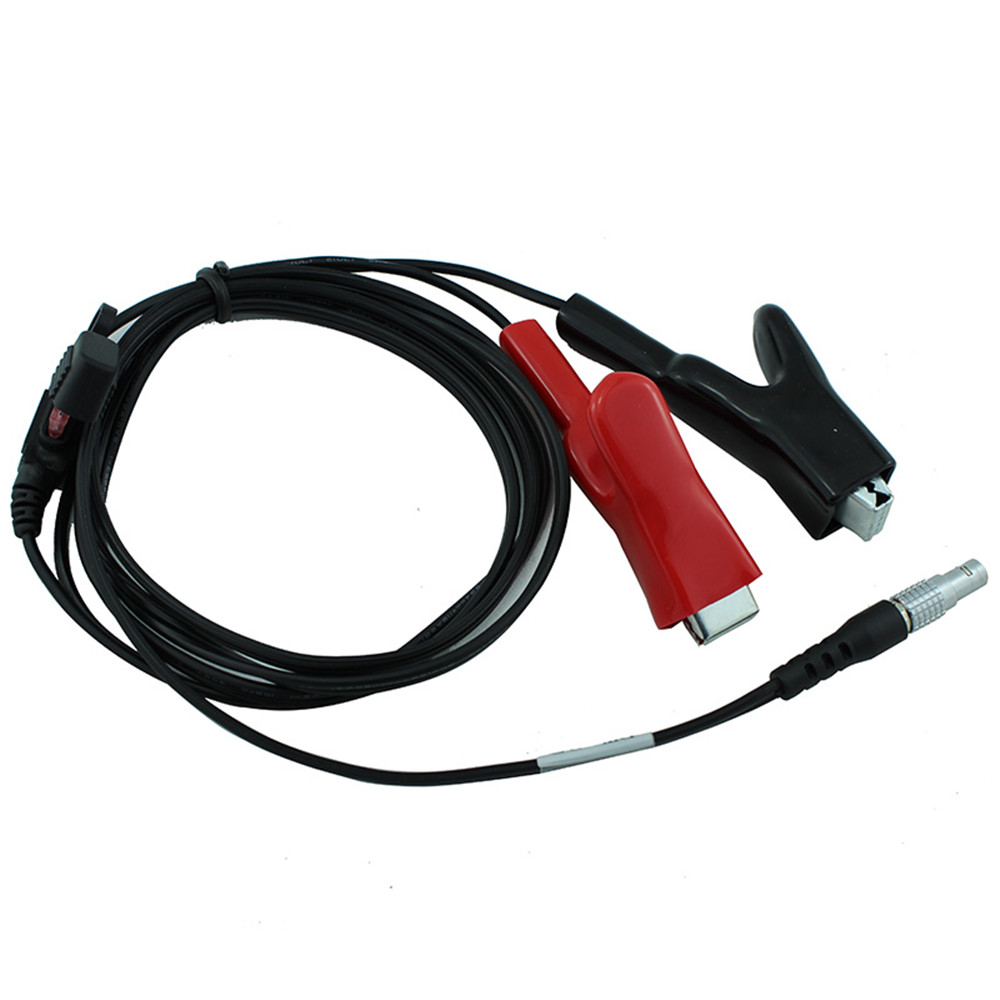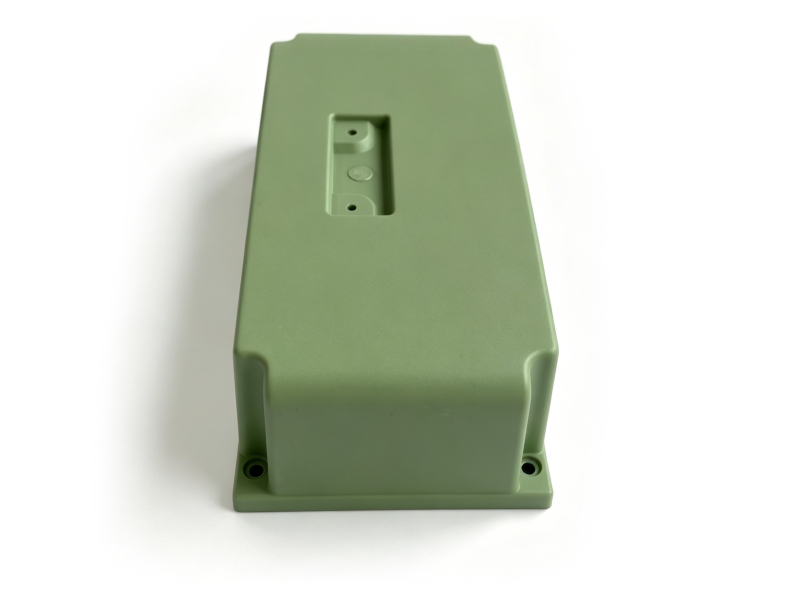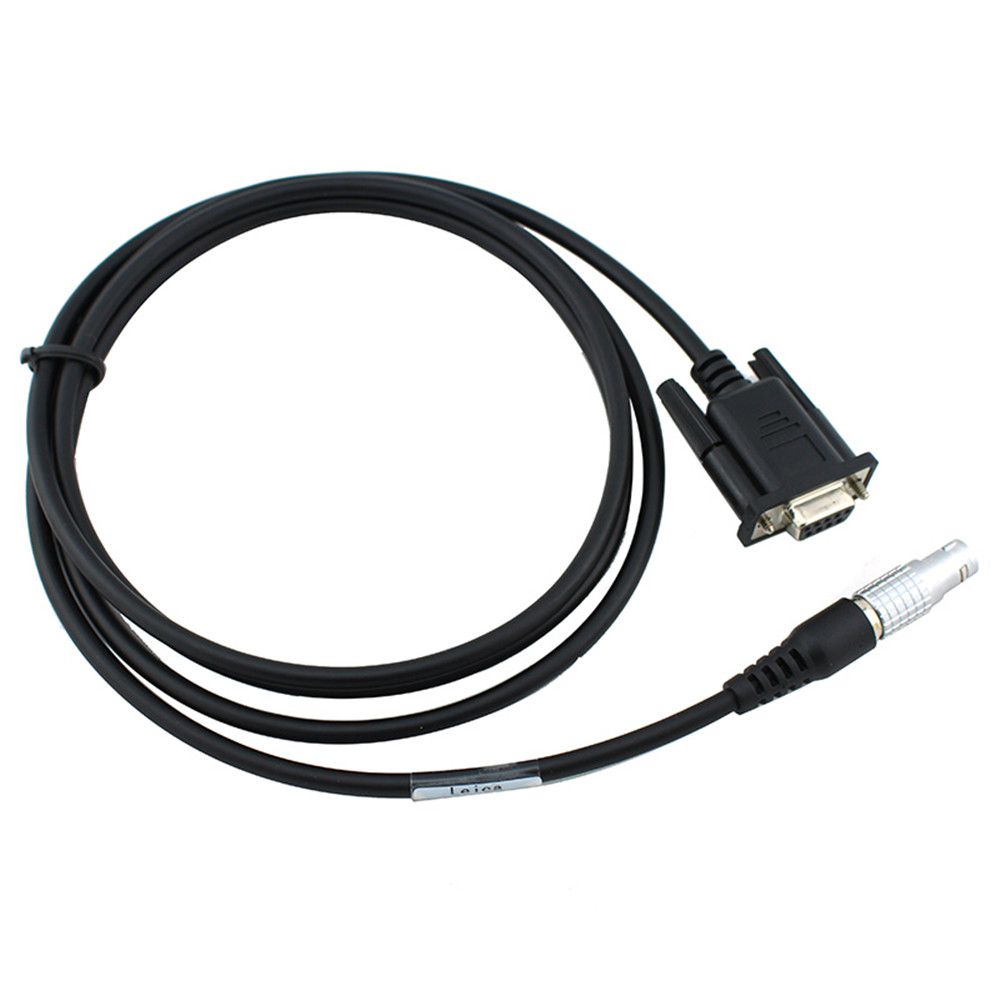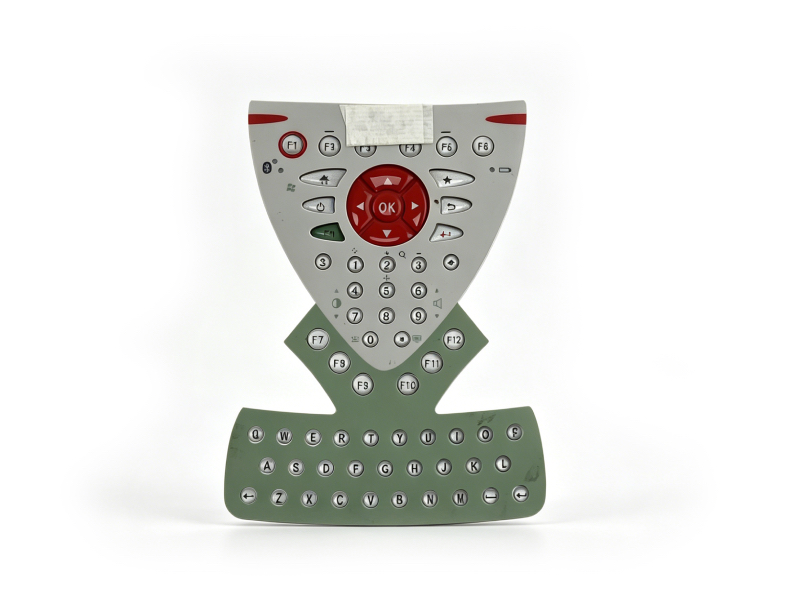
Leica CS15 Handheld Keypad – Surveying Accessory
Brand: Leica Geosystems
Model: CS15 Handheld Keypad
Category: Surveying Equipment Accessory
Condition: Pre-Owned (Fully Tested, 3-Month Warranty)
|
Product Overview
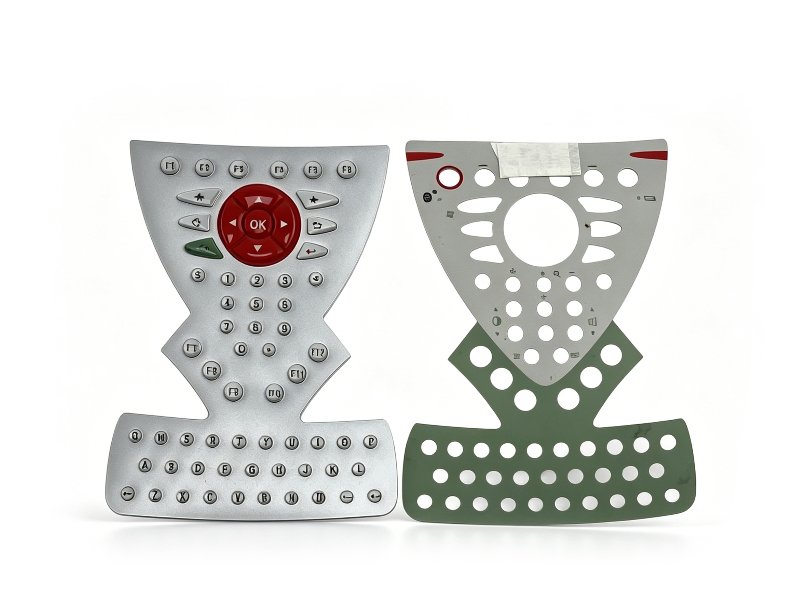
The Leica CS15 handheld keypad is a critical component for professional surveying, geophysical, and mapping work. Designed to work seamlessly with Leica Viva series GNSS receivers, total stations, and data collectors, this keypad delivers reliable, precise input for field operations. As a pre-owned unit, it undergoes rigorous quality checks to ensure performance matching new standards, making it a cost-effective solution for survey teams, construction firms, and geospatial professionals.
 |
 |
Key Specifications
| Parameter | Detail |
|---|---|
| Compatibility | Leica Viva CS10/CS15 controllers, GNSS, total stations |
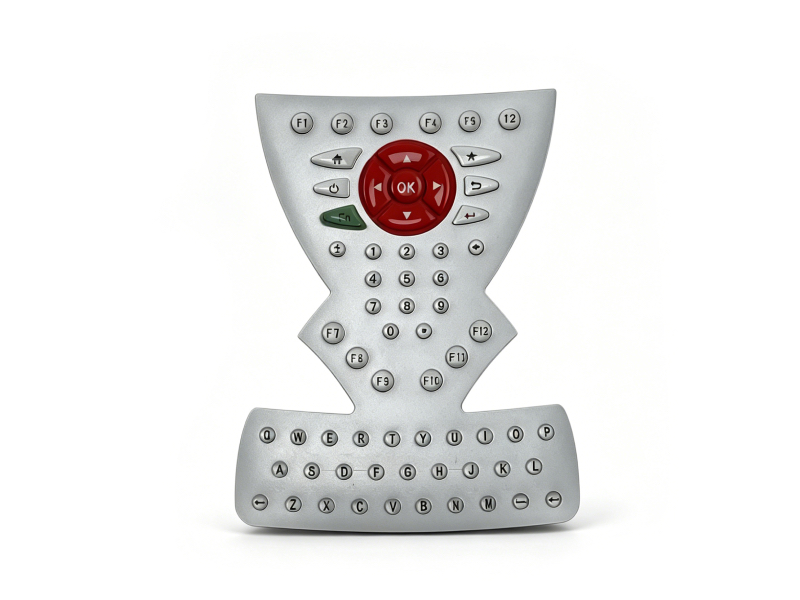
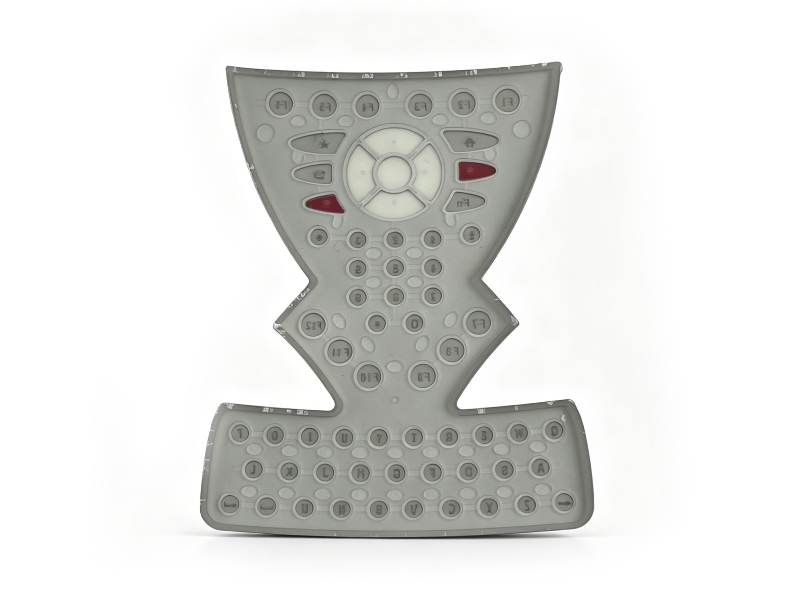
| Key Layout | 65 keys including 12 function keys (F1–F12), numeric, alphabetic, and control keys |
| Key Features | Configurable hotkeys (F7–F12 + Fn combination), backlit keys for low-light work, durable tactile feedback |
| Build Quality | Sealed design for dust/water resistance, ergonomic grip for extended field use |
| Connectivity | Integrated with CS15 controller via dedicated port |
| Dimensions | 245 x 125 x 45 mm (L x W x H) |
| Weight | 0.90 kg (with battery compatibility) |
| Operating Temp | -30°C to +60°C |
| Certification | Leica OEM, tested for field durability |
 |
Quick Start Guide
- Preparation: Ensure the Leica CS15 controller is powered off. Verify the keypad port is clean and free of debris.
- Connection: Align the keypad connector with the CS15 controller’s dedicated port and insert firmly until clicks into place.
- Power On: Power on the CS15 controller. The keypad will auto-detect and initialize. Test all keys to confirm functionality.
- Key Configuration: Use the Fn key to access secondary functions (F7–F12). Customize key roles via the SmartWorx Viva software for workflow-specific needs.
- Maintenance: Wipe the keypad with a dry, lint-free cloth. Avoid exposing to harsh chemicals. Store in a protective case when not in use.
- Troubleshooting: If unresponsive, recheck the connection. Power cycle the controller. For persistent issues, contact our support team for repairs.