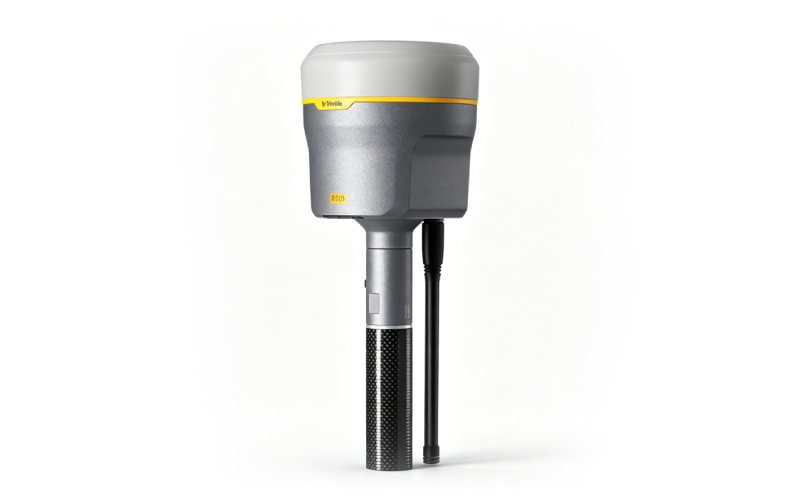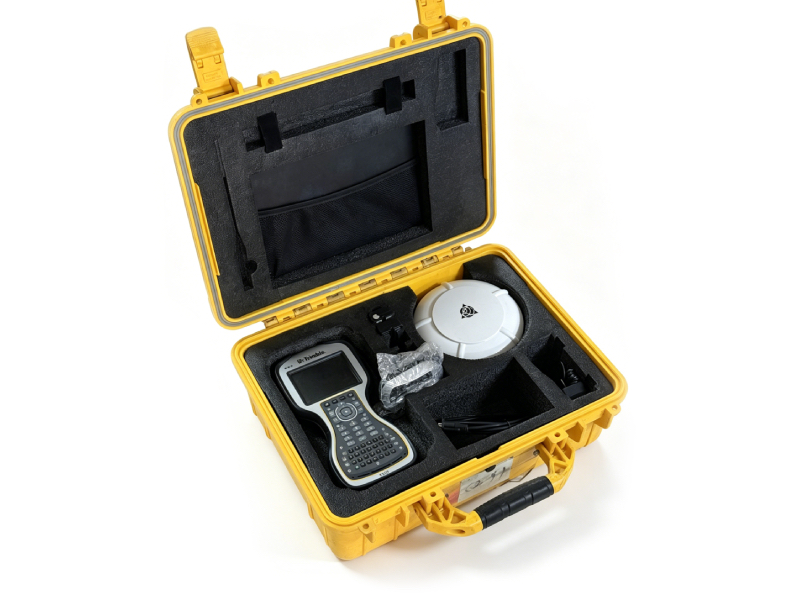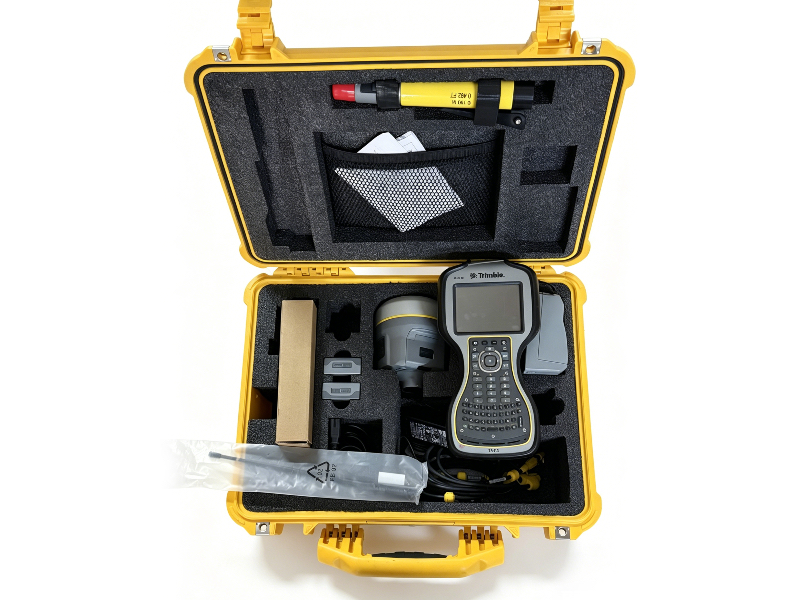
Used Trimble R10 Rover Station | High-Precision GNSS RTK Receiver for Geophysical & Surveying Applications
As a professional supplier of second-hand geophysical and geophysical exploration equipment, we offer fully tested, authentic used Trimble R10 Rover Station units, the industry-proven high-performance GNSS solution for European surveying, construction, and geophysical engineering professionals.
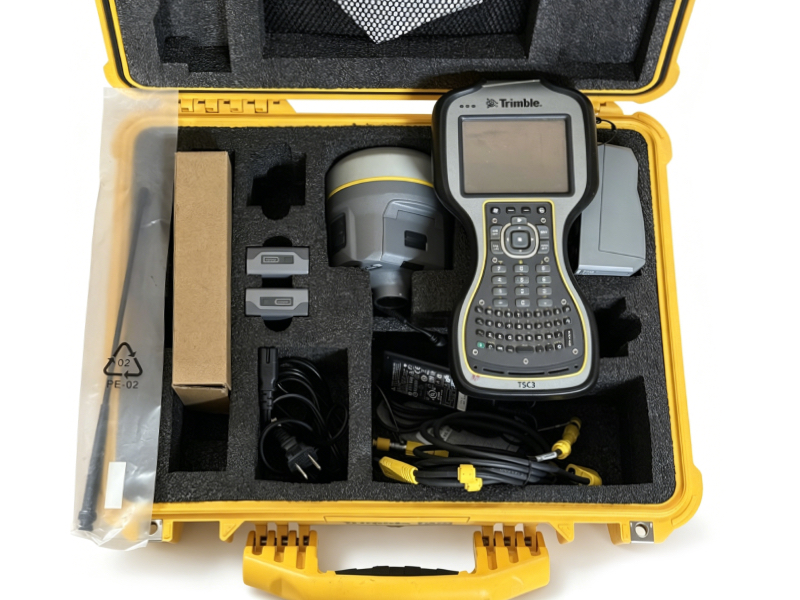
The Trimble R10 redefines field survey efficiency with its industry-leading HD-GNSS processing engine, 672-channel Trimble 360 full-constellation tracking technology, and centimeter-level RTK precision, delivering reliable positioning performance even in challenging environments – from dense urban canyons to tree-covered survey sites, and remote geophysical exploration areas. Its compact, lightweight design (1.12kg with integrated battery and antenna) and rugged IP67-rated housing make it ideal for all-day field use, while its integrated communication modules (Bluetooth, Wi-Fi, optional cellular/UHF radio) ensure seamless data transfer and RTK correction reception.
All our used Trimble R10 Rover Station units undergo comprehensive functional and precision testing by our certified technical team before shipment, with full data verification, firmware updates, and cosmetic inspection. We provide a standard 3-month warranty, global shipping to all EU countries, and remote technical support for setup and operation.
|
Core Technical Specifications
| Parameter | Specification |
|---|---|
| RTK Dynamic Accuracy | Horizontal: 8 mm + 0.5 ppm RMS; Vertical: 15 mm + 0.5 ppm RMS |
| Static Survey Accuracy | Horizontal: 3 mm + 0.1 ppm RMS; Vertical: 3.5 mm + 0.4 ppm RMS |
| GNSS Channels & Constellations | 672 channels, supports GPS L1/L2/L5, GLONASS L1/L2/L3, Galileo E1/E5a/E5b/E6, BeiDou B1/B2/B3, SBAS/EGNOS (EU), QZSS, NavIC |
| RTK Initialization Time | 2-8 seconds, initialization reliability >99.9% |
| Core Technologies | SurePoint™ Tilt Compensation, Trimble xFill® Breakpoint Continuity, CenterPoint® RTX Correction Support |
| Physical Specifications | 11.9cm × 13.6cm (W×H), 1.12kg (with internal battery, antenna, and radio), IP67 dust/waterproof rating |
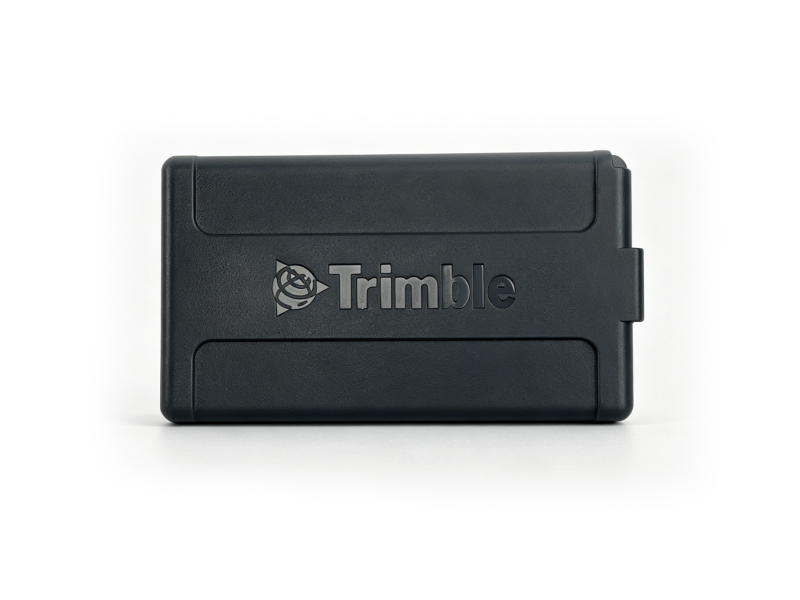
| Power Supply | Internal rechargeable Li-ion battery, up to 10 hours of continuous field operation |
| Data & Communication | Integrated Bluetooth, Wi-Fi, Web UI, optional 410-470 MHz UHF radio (2W) and cellular modem |
| Data Logging | 4GB internal memory, supports RINEX data format for post-processing |
 |
Brief Rover Station Operation & Setup Manual
This quick guide covers the core setup and operation steps for the Trimble R10 as a Rover Station, compliant with standard European survey workflows:
- Pre-Operation Preparation
Fully charge the internal Li-ion battery using the official Trimble charger. Insert the SIM card (for network RTK) into the SIM slot in the battery compartment if using cellular correction services. Inspect the GNSS antenna and radio antenna for damage, and ensure all connectors are clean and secure.
- Rover Mode Configuration (Web UI)
Power on the Trimble R10, and connect your computer/field controller to the receiver’s Wi-Fi network (default SSID: Trimble GNSS XXXX). Open a browser and navigate to the default IP address 192.168.142.1, log in with the default credentials (username: admin, password: password).
- Go to Receiver Configuration > General, set Operation Mode to Rover
- Go to Position > RTK Settings, set RTK Motion Mode to Kinematic, and configure your RTK correction format (RTCM 3.x is standard for EU networks)
- Go to Antenna Configuration, set the correct antenna type, measurement method, and antenna height for your survey rodTrimble Inc.
- RTK Correction Source Setup
For UHF radio correction: Configure the radio frequency and baud rate to match your base station, ensuring the channel is compliant with EU radio regulations.
For network RTK (VRS/ERTK): Configure the cellular modem APN settings for your EU mobile provider, and input the NTRIP caster credentials for your regional network correction service.
- Field Survey Operation
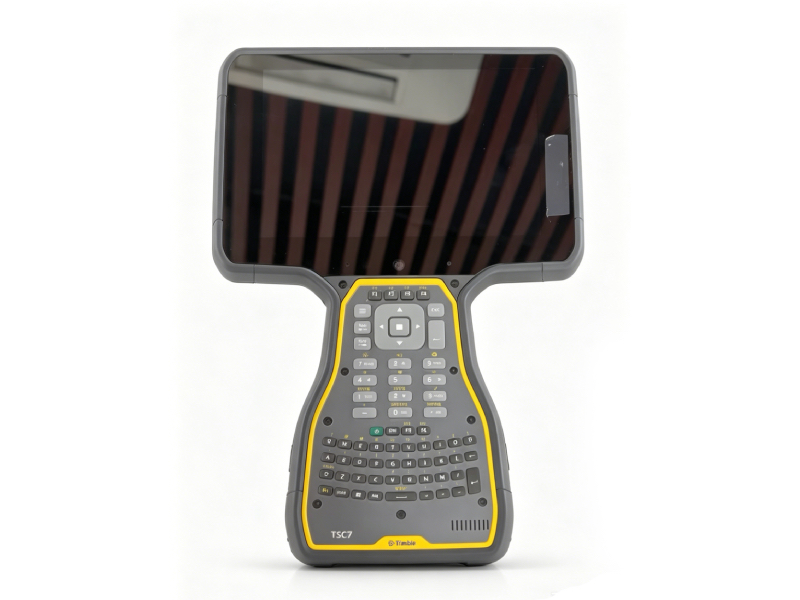
Once the receiver achieves RTK FIX status, you can begin surveying. The SurePoint tilt compensation feature allows you to measure points without perfectly leveling the rod, improving efficiency in hard-to-reach locations. Use Trimble Access field software on your connected controller for stakeout, data logging, and geospatial data collection workflows.
- Post-Operation Care
After field use, power off the receiver, clean the housing and connectors with a dry cloth, and remove the battery for long-term storage. Download logged survey data via the Web UI or Trimble Business Center software for post-processing and reporting.