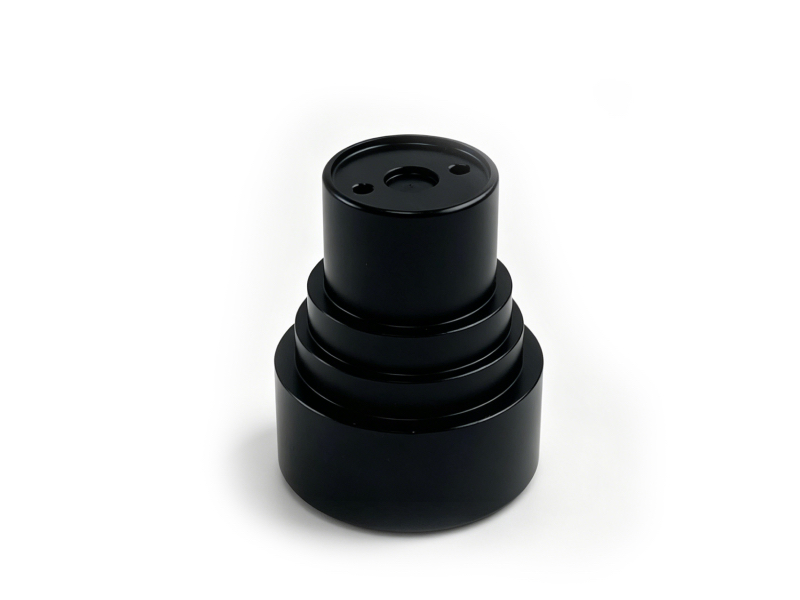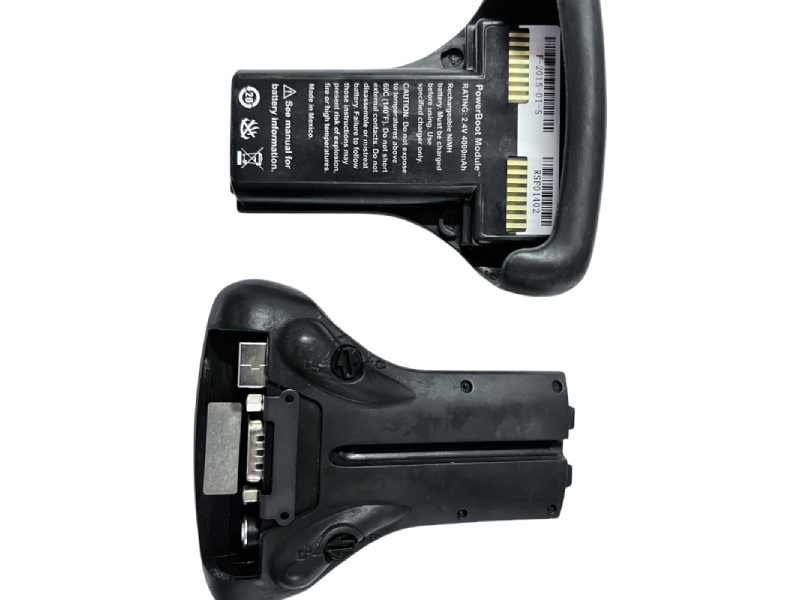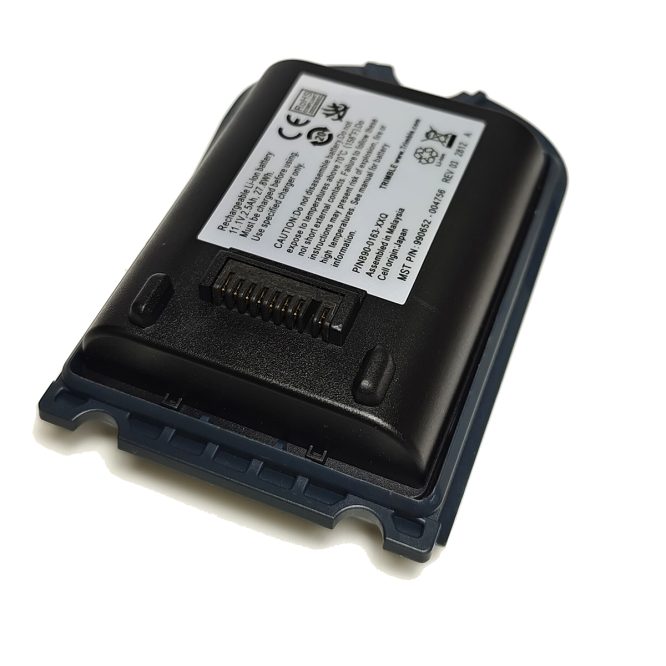
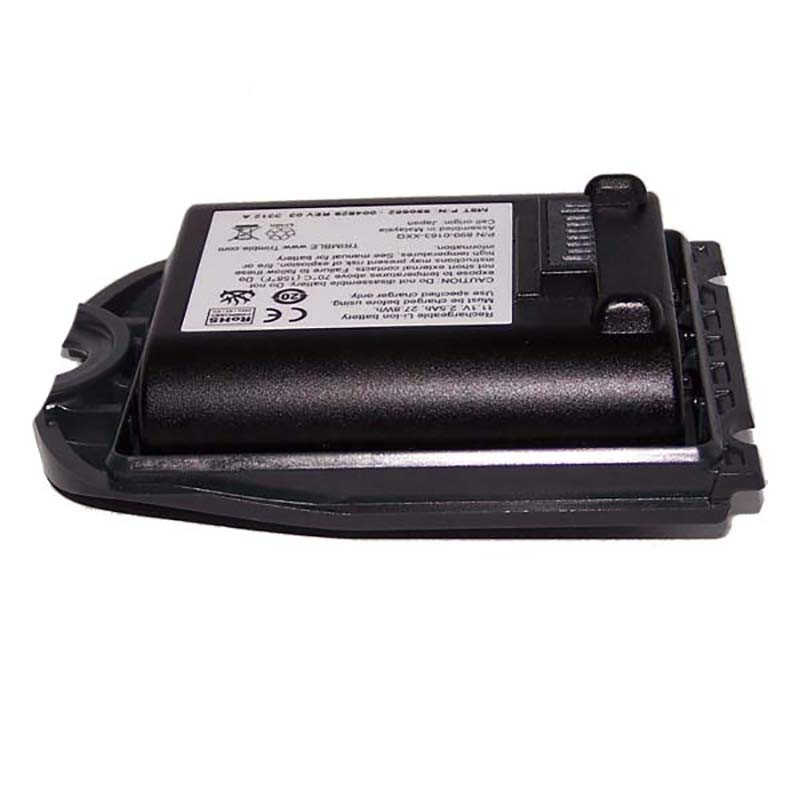
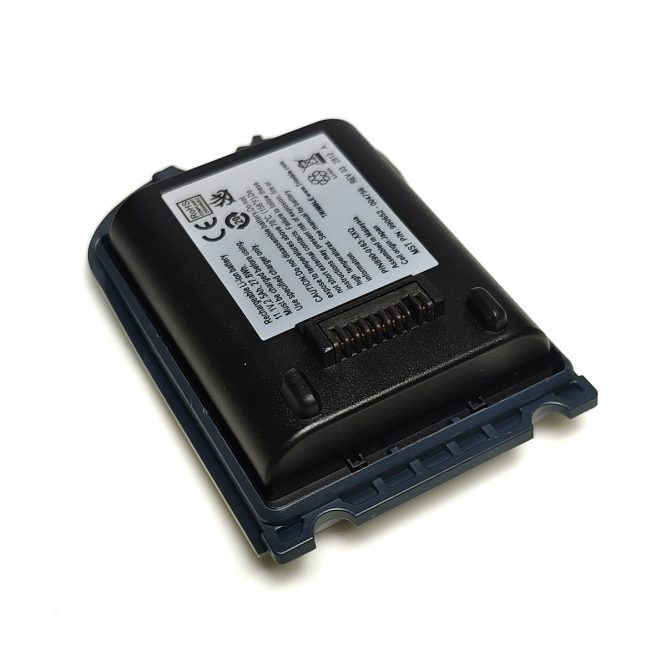
Priced at $149.99, this original Trimble TSC3 lithium-ion battery with matching battery door is fully matched for Trimble TSC3 data collector, survey controller and TSC3 Access field software device. It perfectly solves common field faults including short runtime, sudden power off, swollen original battery, charging failure and unstable power supply, delivering stable all-day power for your survey work without interruption.
 |
|
 |
Product Basic Info
| Brand | Trimble |
|---|---|
| Part Number | 890-0163-XXQ |
| Included Accessories | Battery Door |
| Warranty | 1 Year |
| Shipping | Express Shipping Available |
Product Overview
The Trimble TSC3 is a rugged, high-performance data collector trusted by surveyors, engineers, and geospatial professionals worldwide. Powering this critical device requires a battery that matches its durability and performance. Shop the Trimble TSC3 Rechargeable Li-Ion Battery, specifically designed to keep your TSC3 running all day without interruptions.
Whether you’re conducting a topographic survey in a remote area or managing a construction project on-site, the Trimble TSC3 Rechargeable Li-Ion Battery ensures your TSC3 data collector delivers uninterrupted performance. With its long-lasting power, fast charging capabilities, and intelligent design, this TSC3 battery is your best companion in the field.
Why the Trimble TSC3 Battery Stands Out
The Trimble TSC3 battery isn’t just another power source. It’s engineered for performance, longevity, and compatibility. Here’s what makes it the ideal power solution for your Trimble TSC3 device:
Key Features at a Glance
| Feature | Description |
|---|---|
| Battery Type | Rechargeable Lithium-Ion (Li-Ion) |
| Voltage | 11.1V |
| Capacity | 2500–2600mAh (varies slightly by version) |
| Power Output | Approx. 27.8Wh |
| Battery Life | Up to 12 hours of continuous use |
| Charging Time | Around 4 hours |
| Weight | Lightweight and portable |
| Safety Features | Overcharge, short-circuit, and overheat protection |
| Compatible Devices | Trimble TSC3 Data Collector, Survey Controller, Access Field Software Device |
Full Compatibility List
| Trimble Device | Compatibility |
|---|---|
| Trimble TSC3 Data Collector | Fully Compatible |
| Trimble TSC3 Survey Controller | Fully Compatible |
| Trimble Access Field Software (TSC3-based) | Fully Compatible |
Using genuine batteries designed for the TSC3 guarantees optimal performance and protects your equipment from avoidable power issues.
Top Reasons to Choose Original Trimble TSC3 Battery
- Maximum Runtime: Supports up to 12 hours of continuous operation, ideal for extended field assignments that require minimal recharging.
- Rugged Performance: Built to endure tough environmental conditions, including extreme temperatures, vibrations, and humidity, perfect for professionals on the move.
- Enhanced Safety: Integrated protection against overcharging, short circuits, and thermal overload to secure your equipment and field staff.
- Fast and Efficient Charging: Full charge within approximately 4 hours, easy to top up during short work breaks or overnight storage.
- Device-Optimized Design: Original Trimble product precisely tuned for TSC3 controllers, ensuring seamless power delivery and stable system communication.
Simple Installation Guide: Replace Your TSC3 Battery
- Power off your Trimble TSC3 device completely.
- Locate and open the rear battery compartment cover.
- Press the release latch and take out the old faulty battery.
- Insert the new TSC3 Li-Ion battery with metal terminals aligned correctly.
- Push the battery until it clicks and locks securely in place.
- Close the battery compartment door, power the device back on.
- Fully charge the battery before first-time field use.
Battery Maintenance Tips to Extend Service Life
- Store the battery in a cool, dry indoor environment.
- Avoid long-term exposure to extreme heat or freezing temperatures.
- Only use Trimble official approved chargers for charging.
- Fully recharge after long-time field work to maintain stable capacity.
- Regularly wipe battery terminals to keep clean and stable contact.
- Never store the battery fully drained, and do not keep charging for hours after full power.
Industry Applications
| Industry | Typical Use Case |
|---|---|
| Land Surveying | Power TSC3 units for GNSS survey and stakeout operations |
| Construction | On-site layout measurement and engineering inspection under harsh conditions |
| Geospatial Mapping | Field mapping, topographic survey, asset location recording |
| Environmental Studies | Long-duration outdoor data collection and field monitoring |
| Academic Research | University field research and mobile geospatial data gathering |
Frequently Asked Questions
Q1: How long can the battery last on a full single charge?
A1: Up to 12 hours continuous operation. Actual runtime depends on screen brightness, field software load and ambient temperature.
Q2: Can I use third-party unapproved chargers to charge this battery?
A2: No. Only Trimble official specified chargers are allowed, non-standard chargers may damage the battery and controller, even cause safety risks.
Q3: Is hot-swap battery replacement supported?
A3: No. You must power off TSC3 fully before replacing battery to prevent survey data loss or hardware damage.
Q4: How to confirm the battery is fully charged?
A4: TSC3 screen displays full battery icon, or LED charging indicator turns solid green when charging completes.
Q5: Will extreme temperature affect battery performance?
A5: Yes. Working temperature range is -20°C ~ +60°C. Operating or storing outside this range will sharply reduce runtime and service life.
Q6: What signs indicate the battery needs immediate replacement?
A6: Battery swelling, liquid leakage, abnormal overheating during use, drastically shortened working hours. Stop using and replace immediately once these faults appear.
Safety Warning Instructions
- Do not disassemble the battery pack privately.
- Do not expose battery to environment over 70°C (159°F).
- Do not short-circuit external metal contact terminals.
- Failure to follow safety rules may lead to explosion, fire or high temperature hazards. Refer to official device manual for full battery safety details.