Introduction
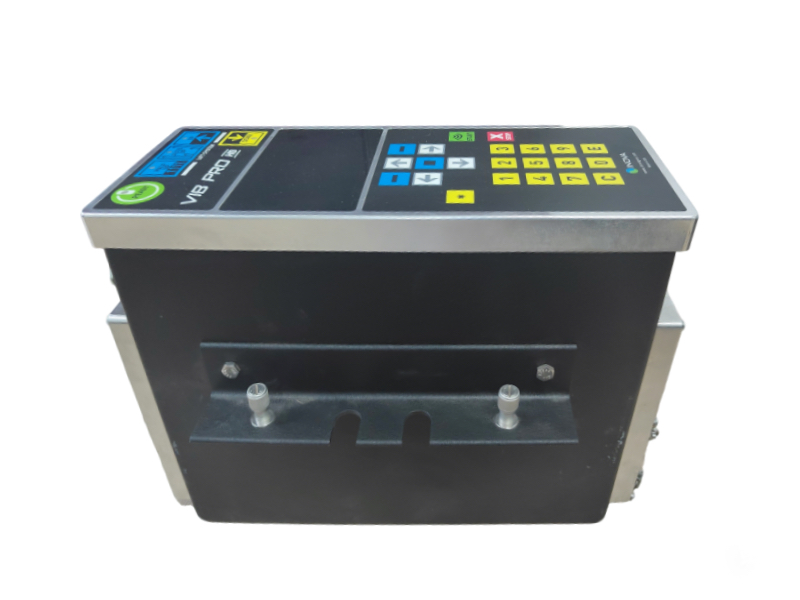
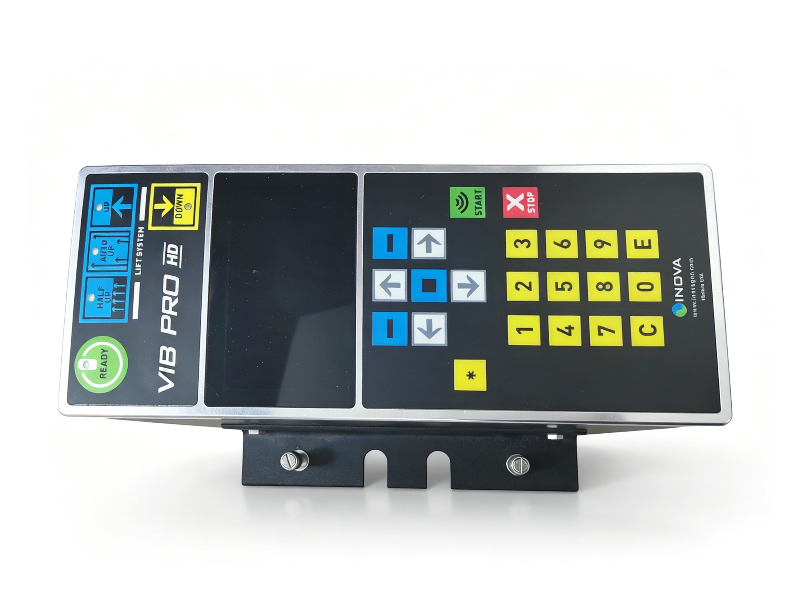
The INOVA VIB PRO HD is the next-generation vibroseis controller, designed for demanding seismic exploration operations. Combining Seismic Source’s intuitive hardware design with INOVA’s patented HDR (Harmonic Distortion Reduction) and LFL (Low Frequency Limit) technologies, this unit delivers industry-leading control accuracy and signal quality. This is a used, fully functional unit ready for deployment in your seismic fleet.
 |
|
Key Features
- Dual-Mode Operation: Functions as both an encoder (master) and decoder (slave) for flexible fleet management
- Patented HDR & LFL Technology: Reduces harmonic distortion and improves low-frequency sweep performance for cleaner seismic data
- Precision Timing Sync: ±20 μs start time accuracy via GPS or radio synchronization
- Built-in WiFi & Ethernet: Remote sweep programming, PSS data download, and wireless communication with vibrators
- Multi-Radio Compatibility: Works with both analog and digital radios for reliable field connectivity
- Environmental Friendly Mode: Low surface force operation for ecologically sensitive survey areas
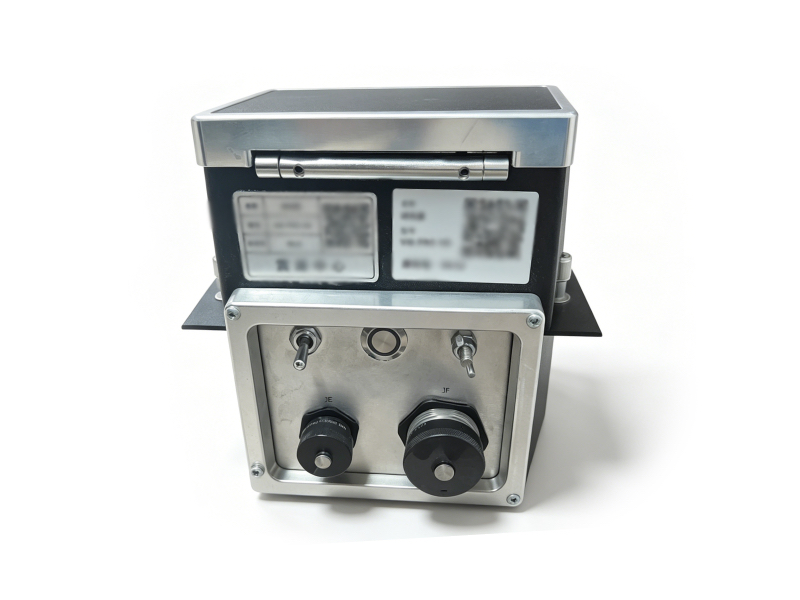 |
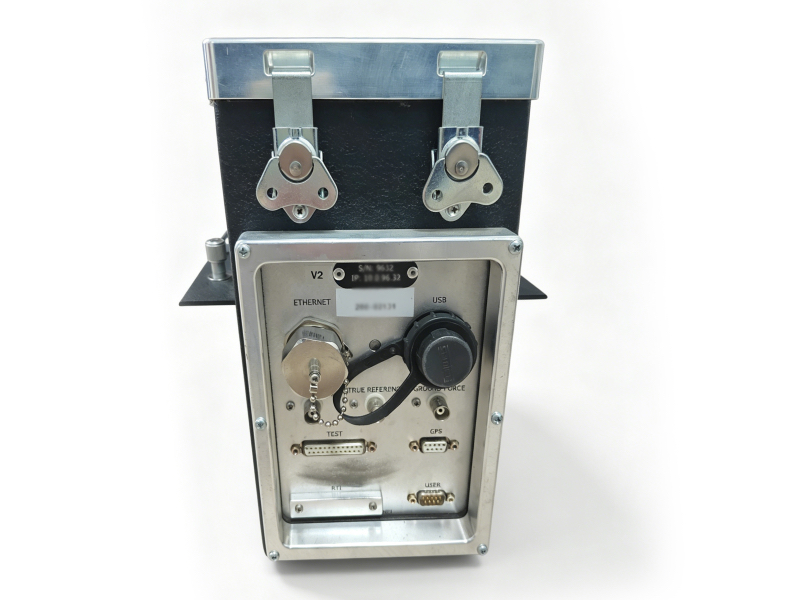 |
Full Specifications
| Parameter | Specification |
|---|---|
| Model | INOVA VIB PRO HD |
| Frequency Range | 1 Hz to 250 Hz (compatible with AHV-IV vibrators) |
| Sweep Resolution | 24-bit |
| Control Sample Rate | 0.25 ms |
| Timing Accuracy | ±20 μs |
| Data Management | Integrated VSS/PSS storage (USB/Ethernet access) |
| Interfaces | Ethernet, USB, GPS, Test, Serial, Power Panel |
| Operating Modes | Encoder / Decoder |
| Communication | WiFi, Ethernet, Analog/Digital Radio |
Simple Installation & Setup Guide
- Mounting: Secure the VIB PRO HD to your vibrator’s control panel using the included mounting brackets.
- Connections:
- Connect the Power Panel port to the vibrator’s power supply.
- Attach the GPS antenna to the dedicated GPS interface for timing synchronization.
- Connect the Ethernet or radio module for fleet communication.
- Use the USB port for local data transfer and firmware updates.
- Power On: Press the
ONbutton on the front panel. TheREADYLED will illuminate once the system is initialized.