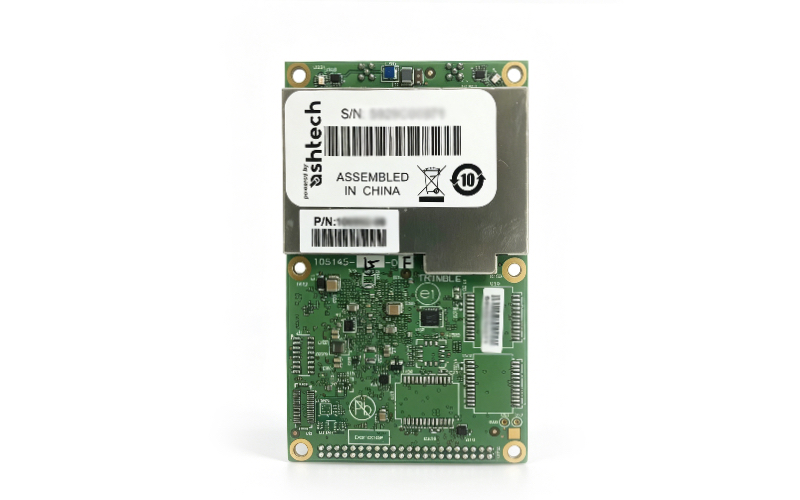
Trimble BD992 Board (Model 100992-28) – Brand-New, Original Sealed for Geophysical Applications
As a professional supplier of used geophysical and geoscientific equipment, we are proud to offer the brand-new, original sealed Trimble BD992 board (Model 100992-28), a high-precision GNSS OEM board designed for geophysical exploration, surveying and mapping projects. This board supports BDS-3 (Beidou Navigation Satellite System Generation 3) and integrates advanced technologies to deliver reliable, centimeter-level positioning performance, making it an ideal choice for European geophysical professionals and projects.
|
Product Specifications
- Brand: Trimble
- Model: 100992-28
- Product Type: GNSS OEM Board
- Navigation System: BDS-3, GPS, GLONASS, Galileo, QZSS
- Positioning Accuracy: Horizontal: 0.008-1m; Vertical: 0.015-1.5m
- Tracking Channels: 336
- Update Rate: 100Hz
- Latency: 20ms
- Correction Technology: RTK, SBAS
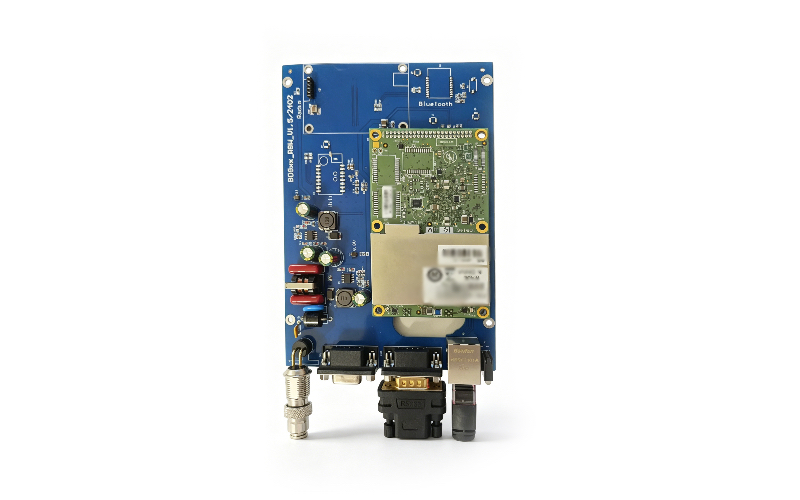
- Interfaces: RS232, USB, Ethernet
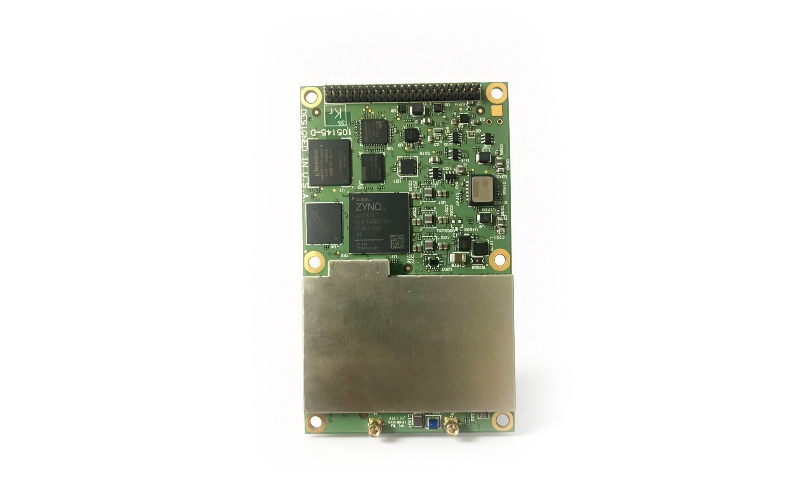
- Antenna Connectors: 2 x MMCX Receptacle
- Power Consumption: 2.6W
- Supply Voltage: 3.3VDC
- Operating Temperature: -40°C to 75°C
- Storage Temperature: -55°C to 85°C
- Dimensions: 100 x 60 x 11.6mm
- Weight: 62g
- Condition: Brand-new, original factory sealed & unopened
- Compliance: RoHS Directive (2002/95/EC)
 |
 |
Brief User Manual
1. Unpacking and Inspection
Upon receiving the product, carefully unpack the package and inspect the Trimble BD992 board (Model 100992-28) for any damage during transportation. Ensure the board is in its original sealed packaging and all accessories (if included) are intact. If any damage is found, contact our customer service immediately.
2. Installation Guidelines
The board should be installed in a dry, dust-free environment, away from strong electrical interference. Connect the antenna to the MMCX receptacles (2 ports) and ensure the connection is secure. Use the recommended power supply (3.3VDC) to avoid damage to the board. Connect the board to your device via RS232, USB, or Ethernet interface according to your project needs.
3. Configuration
The Trimble BD992 board can be configured via a standard web browser through the Ethernet interface. Access the board’s web interface using its default IP address (refer to the official datasheet for details) to set parameters such as navigation system (BDS-3 priority recommended), update rate, and data output format. Ensure all configurations match your geophysical project requirements.
4. Operation Notes
– Avoid exposing the board to extreme temperatures (-40°C to 75°C is the recommended operating range) to prevent performance degradation or hardware damage. – Keep the antenna away from obstacles (e.g., buildings, trees) to ensure unobstructed GNSS signal reception. – Regularly check the antenna connection and power supply to maintain stable positioning performance. – For technical support, refer to the Trimble official user guide or contact our professional team.