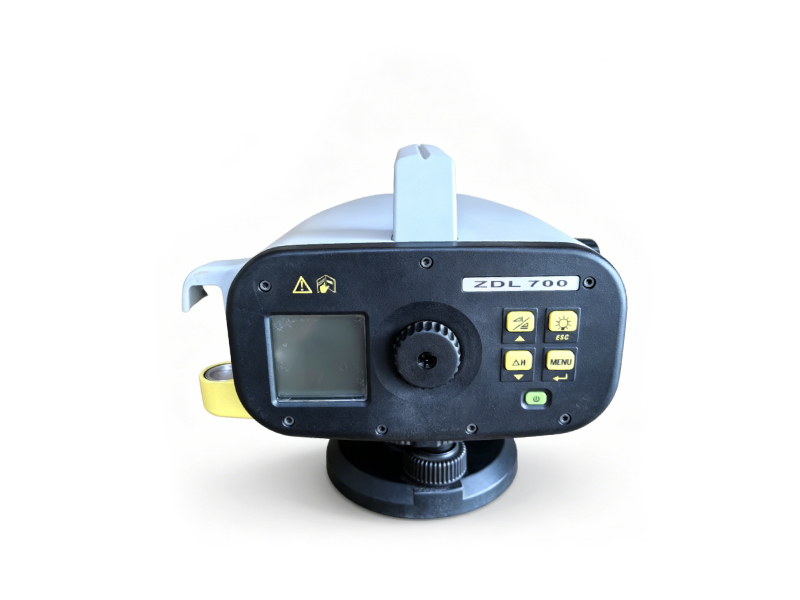
GeoMax ZDL700 Digital Level | Pre-Owned, Fully Calibrated
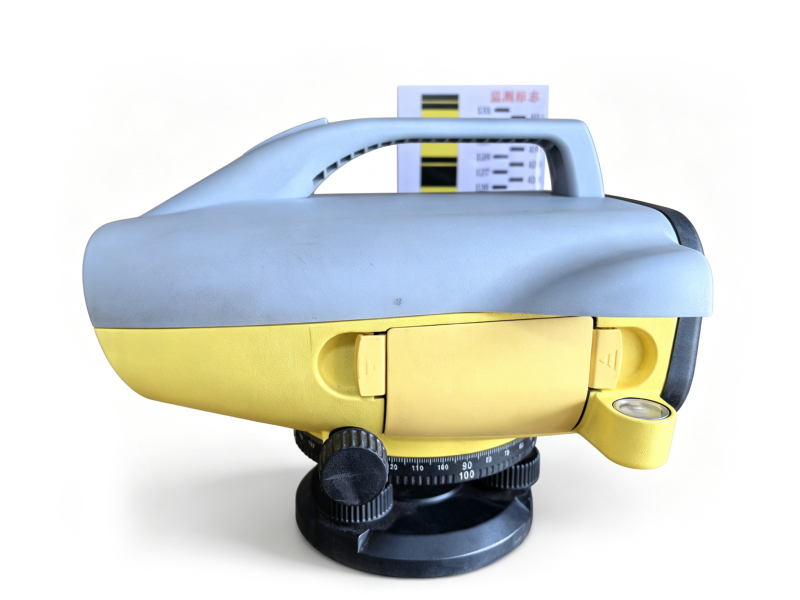
As a trusted supplier of used geophysical and survey equipment, we offer the GeoMax ZDL700 Digital Level – a high-precision, reliable tool designed for construction leveling, deformation monitoring, and engineering survey projects across Europe. Built for accuracy and efficiency, the ZDL700 eliminates manual reading errors with automatic bar-code detection, making it ideal for both small-scale construction and large infrastructure projects.
|
Key Technical Specifications
| Parameter | Specification |
|---|---|
| Manufacturer | GeoMax (Hexagon Group) |
| Model | ZDL700 Digital Level |
| Accuracy | ±0.7mm/km (double run) |
| Measuring Range | 2m – 105m |
| Minimum Reading | 1mm |
| Automatic Bar-Code Reading | Yes (for GeoMax bar-code staff) |
| Internal Memory | Stores up to 2,000 measurement points |
| Operating Temperature | -20°C to +50°C |
| Power Supply | 4 x AA batteries (100 hours continuous use) / Rechargeable NiMH battery pack |
| Dimensions | 220mm × 130mm × 180mm |
| Weight | 1.8kg (without batteries) |
| Water Resistance | IP54 |
 |
 |
Short Operation Manual
1. Pre-Deployment Setup
- Check Calibration: Ensure the level is calibrated (our units come with a 12-month calibration certificate).
- Battery Installation: Insert fresh or fully charged batteries into the compartment, observing polarity.
- Mounting: Attach the level to a stable tripod and adjust the tripod head to level the instrument using the circular bubble.
2. Field Operation
- Power On: Press the power button to start the instrument. The LCD screen will display the main menu.
- Leveling: Use the leveling screws to center the circular bubble and ensure the instrument is level.
- Staff Setup: Place the GeoMax bar-code staff vertically at the target point.
- Measurement: Aim the level at the staff, press the measurement button. The instrument will automatically read the bar code and display the elevation difference in <3 seconds.
- Data Storage: Save measurements to internal memory for later review or transfer to a PC.
3. Post-Use Maintenance
- Cleaning: Wipe the instrument body and lens with a dry, lint-free cloth. Remove any dirt or debris from the objective lens.
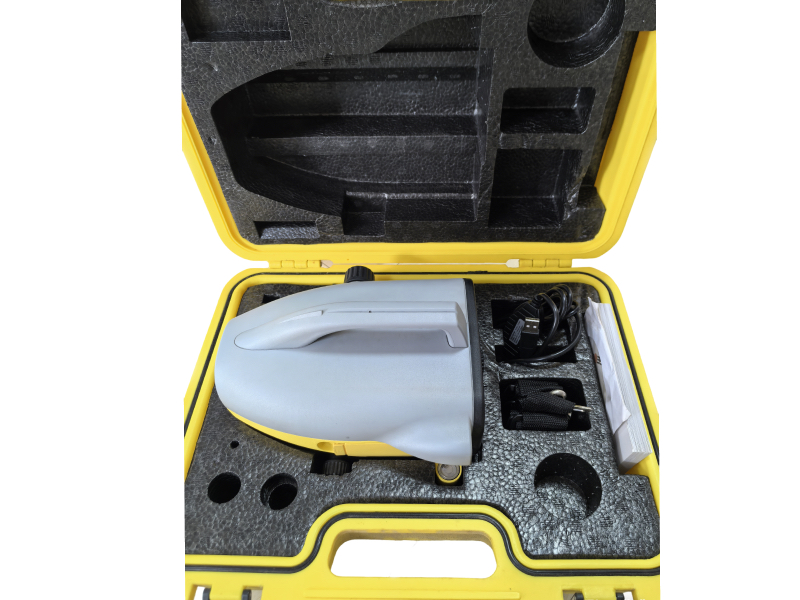
- Storage: Place the level in its original hard case, ensuring it is stored in a cool, dry environment away from extreme temperatures and moisture.
- Battery Care: Remove batteries if the instrument will not be used for extended periods to prevent leakage.